ASUS ZenUI Services2.45.0.161129
Publisher Description
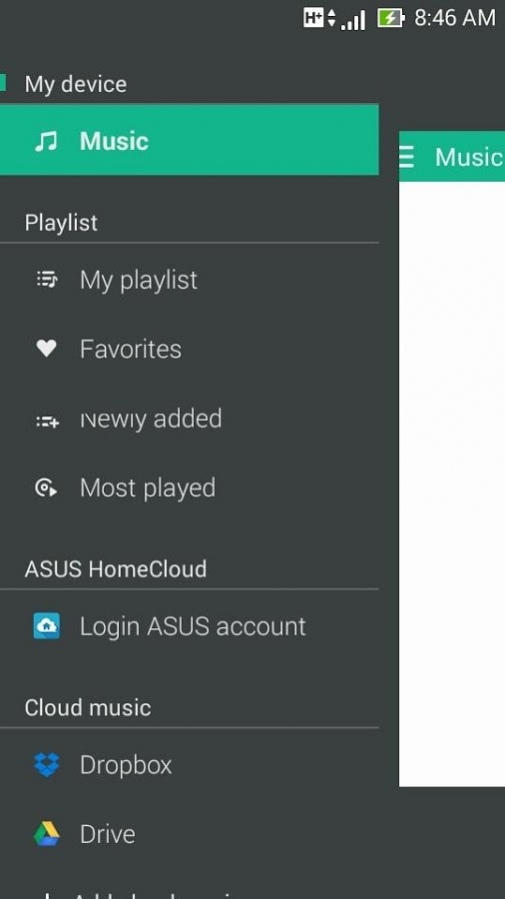
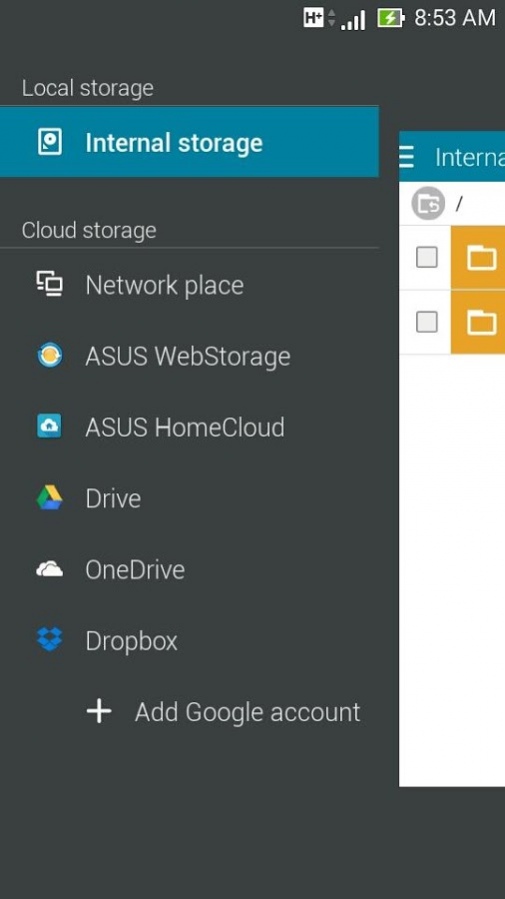
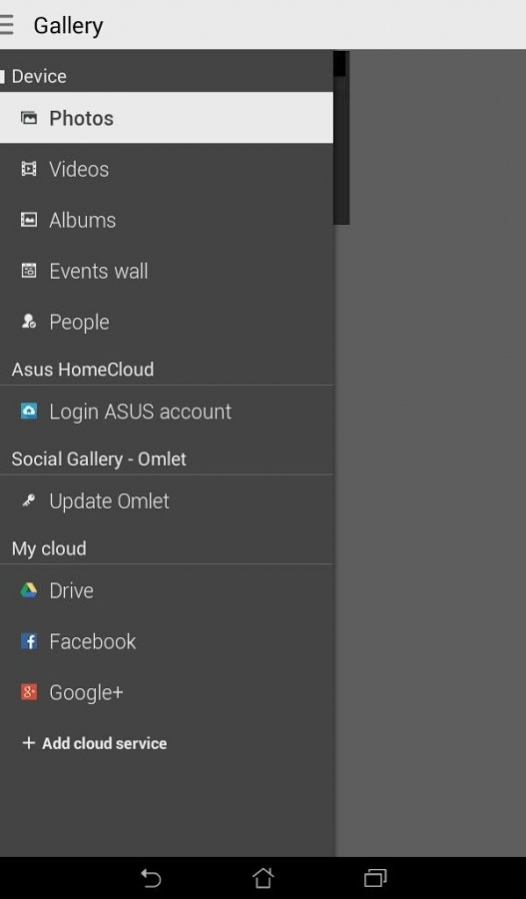
ASUS ZenUI Services integrate with Facebook, Google+, Twitter, Flickr, LinkedIn, Sina Weibo, Tencent Weibo, ASUS Web Storage, Dropbox, OneDrive, and (Google) Drive. With log in this service, your ASUS apps - Gallery, Music, and File manager will able to access above accounts and display content you saved.
[Key features]
1. In ASUS Gallery, via ASUS ZenUI Services you'll able to view photos and videos you had been saved or shared in Facebook, Google+, Flickr, ASUS Web Storage, Dropbox, OneDrive, and (Google) Drive. Also, you can track your friends' shared photo in Facebook whenever that had been updated.
2. In ASUS Music, via ASUS ZenUI Services you can streaming to listen the music you had saved in ASUS Web Storage, Dropbox, OneDrive, and (Google) Drive.
3. In ASUS File manager, via ASUS ZenUI Services you could explore all your files which had been saved on above mentioned storages.
4. In ASUS Calendar, via ASUS ZenUI Services you will sync Facebook calendar events into your schedule.
5. In ASUS Contacts, via ASUS ZenUI Services you could link contacts with his Facebook and Google+ account. You can see last update message or share information while you check contact's detail info.
[Tips]
ASUS ZenUI Services is the best services platform for your apps to link with most popular social network services and web storages. We would like to provide user a best experience for using apps as simple as user wants. User can view relative information just in one single app, or get back to official web site or official app to see the detail.
[Contact us]
For more information about ASUS ZenUI Services, please contact via
Email: zenui@asus.com
About ASUS ZenUI Services
The company that develops ASUS ZenUI Services is ZenUI, ASUS Computer Inc.. The latest version released by its developer is 2.45.0.161129.
To install ASUS ZenUI Services on your Android device, just click the green Continue To App button above to start the installation process. The app is listed on our website since 2017-01-23 and was downloaded 35 times. We have already checked if the download link is safe, however for your own protection we recommend that you scan the downloaded app with your antivirus. Your antivirus may detect the ASUS ZenUI Services as malware as malware if the download link to com.asus.server.azs is broken.
How to install ASUS ZenUI Services on your Android device:
- Click on the Continue To App button on our website. This will redirect you to Google Play.
- Once the ASUS ZenUI Services is shown in the Google Play listing of your Android device, you can start its download and installation. Tap on the Install button located below the search bar and to the right of the app icon.
- A pop-up window with the permissions required by ASUS ZenUI Services will be shown. Click on Accept to continue the process.
- ASUS ZenUI Services will be downloaded onto your device, displaying a progress. Once the download completes, the installation will start and you'll get a notification after the installation is finished.
Program Details
System requirements
Download information
Pricing
Version History
version 2.45.0.161129
posted on 2017-01-23
↑ ★ ★ ★ ★ ★ ↑
Like this app? Keep us inspired by giving a 5-star rating!
Version: V2.23.0.151027
Performance improvement and security patch.
